
by ExpoGenie

Organizer promotion kit

Help your exhibitors get started with Relay.

Ready-to-use emails, download links, and event-day materials to introduce Relay before your show.

Before you send anything, confirm Relay is enabled for your event. Account invitations and welcome emails happen only when Relay is turned on in your ExpoGenie event setup and your exhibitors and booth staff are added to the event.

  • Any event Works whether or not your event runs on ExpoGenie.
  • ExpoGenie setup Use only when Relay is enabled for your event in ExpoGenie.

A. Exhibitor emails

Three emails, ready to send.

Replace the highlighted placeholders: [Event Name], [Event Dates] and [Organizer Contact]. The basic emails work for any event and don’t promise pre-created accounts.

1Announcement

Any event

Send two to four weeks before the event.

Subject

Capture leads at [Event Name] with Relay, free

Email

Hi,

[Event Name] is coming up on [Event Dates], and we want to help you make the most of every conversation at your booth.

This year, exhibitors can use Relay, a free phone app for capturing leads. With Relay you can:

- Scan printed badges and business cards with your phone's camera
- Record a quick voice note after each conversation about what you discussed and what happens next
- Review your leads and notes in the Relay web app after the show, and export them as a CSV

Relay Free includes unlimited scans, voice notes and users. Optional paid Relay plans add CRM sync and more contact enrichment, and you don't need one to use Relay at [Event Name].

Download Relay:
iPhone: https://apps.apple.com/us/app/relay-by-expogenie/id6816477079
Android: https://play.google.com/store/apps/details?id=com.relay.relay

We suggest installing it now and scanning a business card you already have, so your booth team is ready before the show.

Questions about the app: support@expo-genie.com
Questions about [Event Name]: [Organizer Contact]

Thanks,
[Organizer Contact]

Optional paragraph ExpoGenie setup

Use only when Relay is enabled in your ExpoGenie event setup and your exhibitors and booth staff have been added. Add it after the paragraph that starts “Relay Free includes”.

Your Relay account is already set up. Each contact and booth staff member we have on file for your company will receive a welcome email from Relay. Sign in to the app with that same email address, or with Google using that address, so you join your company's account. Signing up with a different email creates a separate account that isn't connected to your team. To add someone to your booth staff, contact [Organizer Contact].
2Reminder

Any event

Send during the week before the event.

Subject

[Event Name] is next week: get Relay on your phone

Email

Hi,

[Event Name] starts [Event Dates]. If your booth team hasn't installed Relay yet, now is a good time:

1. Download Relay
   iPhone: https://apps.apple.com/us/app/relay-by-expogenie/id6816477079
   Android: https://play.google.com/store/apps/details?id=com.relay.relay
2. Sign in, ideally with your work email. Google sign-in works too.
3. Scan a business card to try it.

At the show, scan each badge, then add a quick voice note after the conversation. Your leads and notes will be waiting in the Relay web app when you're back at your desk.

Questions about the app: support@expo-genie.com
Questions about [Event Name]: [Organizer Contact]

Thanks,
[Organizer Contact]

Optional paragraph ExpoGenie setup

Use only when Relay is enabled in your ExpoGenie event setup and your exhibitors and booth staff have been added. Use it in place of step 2.

Look for your welcome email from Relay and sign in with the address it was sent to. Your company's account is already set up, and signing in with that address connects you to it.

3Event-day reminder

Any event

Send on the morning of the first event day.

Subject

Today at [Event Name]: capture leads with Relay

Email

Hi,

Welcome to [Event Name]. Open Relay on your phone, scan each badge or business card, and add a quick voice note after the conversation while it's fresh.

Need the app?
iPhone: https://apps.apple.com/us/app/relay-by-expogenie/id6816477079
Android: https://play.google.com/store/apps/details?id=com.relay.relay

App questions: support@expo-genie.com
Event questions: [Organizer Contact]

Have a great show,
[Organizer Contact]

B. Exhibitor portal copy

Announce Relay in your exhibitor portal.

Use the short version for a banner or notice and the longer one for a Relay page or resource listing. The free list keeps free and paid features separate.

Short announcement

Any event

Announcement

Capture leads with Relay, free. Scan badges and business cards on your phone, add a voice note after each conversation, and review every lead in the Relay web app.

What’s included free

Any event

List

What's included free with Relay
- Unlimited badge and business card scans
- Voice notes after each conversation, with transcripts
- Unlimited users from your company
- The Relay web app for reviewing leads
- CSV export
- 10 contact enrichments to try

Optional paid plans add
- Salesforce and HubSpot sync
- A larger contact-enrichment allowance

Longer description

Any event

Description

Relay is a free lead capture app for exhibitors at [Event Name]. Use your own phone to scan printed badges and business cards, with no scanner to rent and no special badge needed. After each conversation, record a quick voice note about what you discussed and what happens next. Relay saves it with the lead and transcribes it. After the show, review your leads and notes in the Relay web app and export them as a CSV.

Relay Free includes unlimited scans, voice notes and users. Optional paid plans add Salesforce and HubSpot sync and more contact enrichment.

Optional line ExpoGenie setup

Add it to the description when Relay is enabled for your event and exhibitors have been added.

Your Relay account is already set up. Look for your welcome email from Relay and sign in with the address it was sent to, so you join your company's account.

C. Download links and QR codes

Links, QR codes and logos.

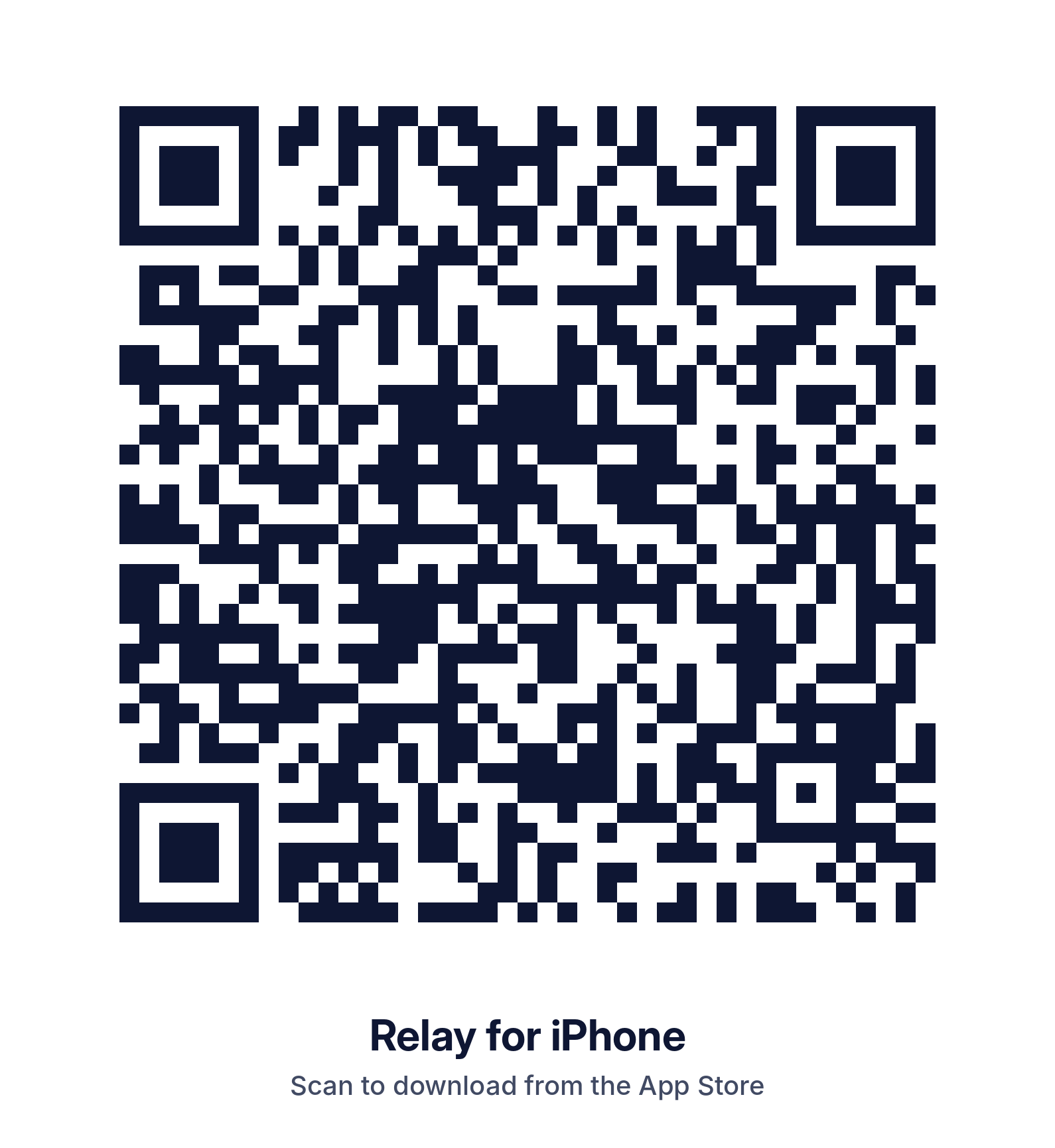
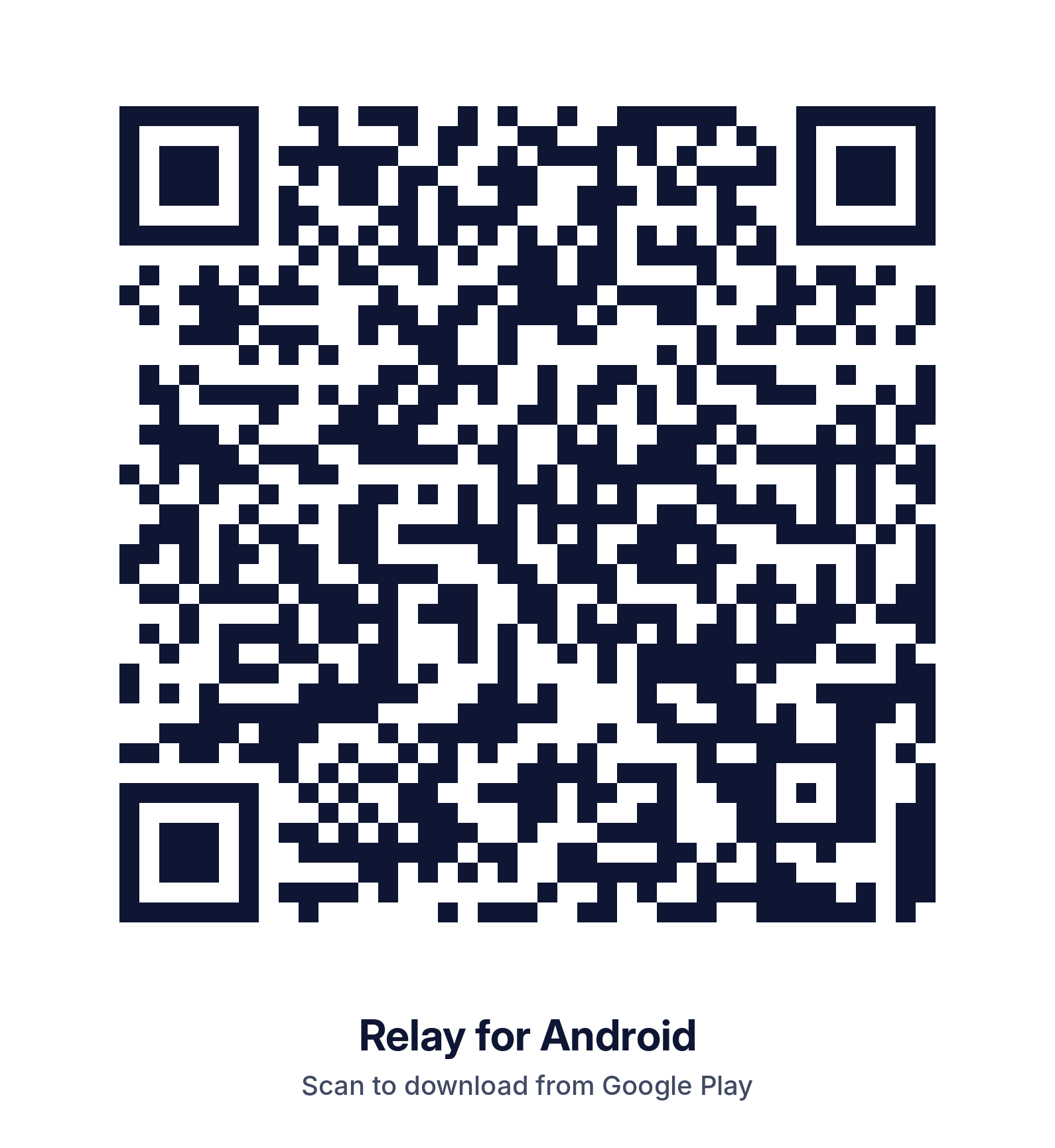
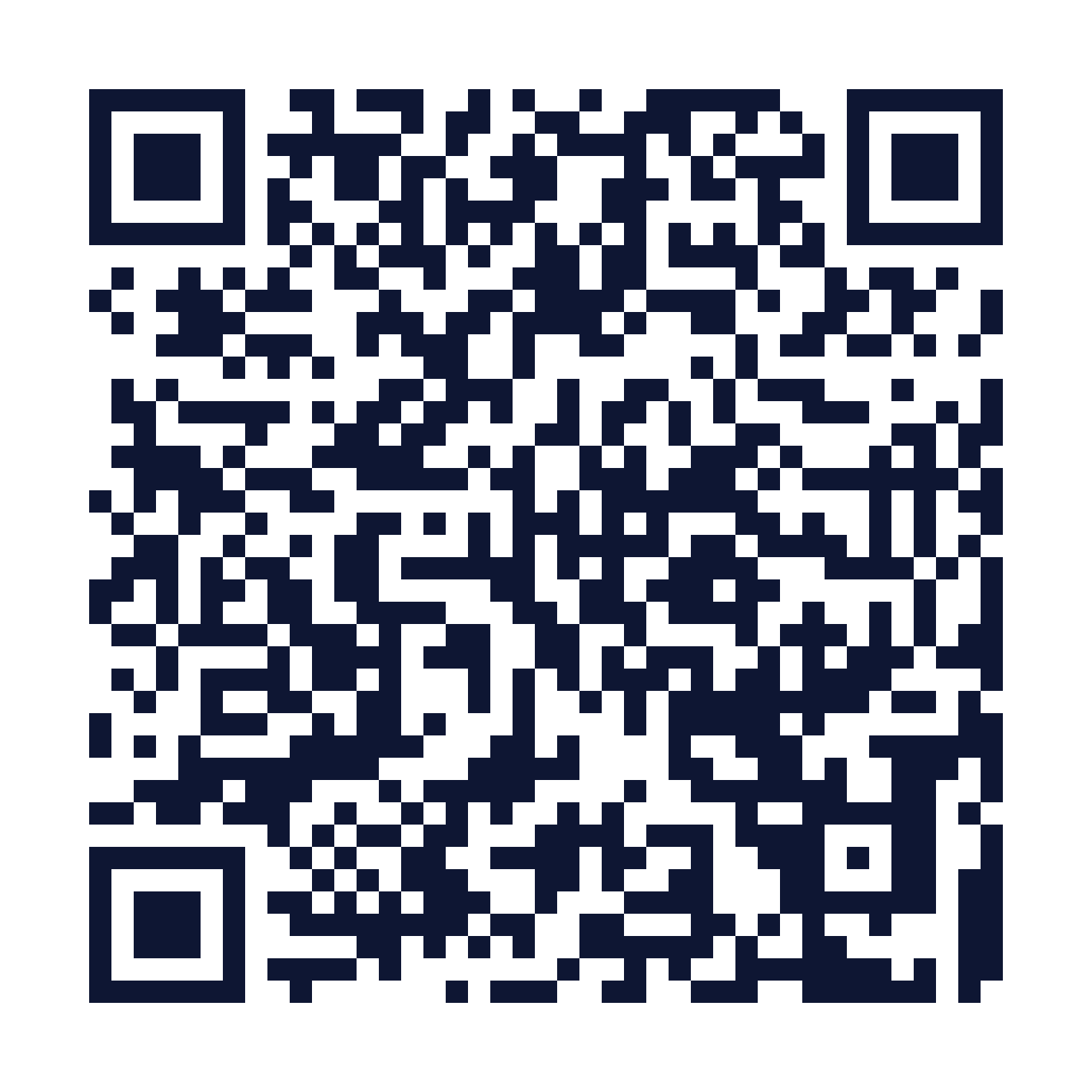
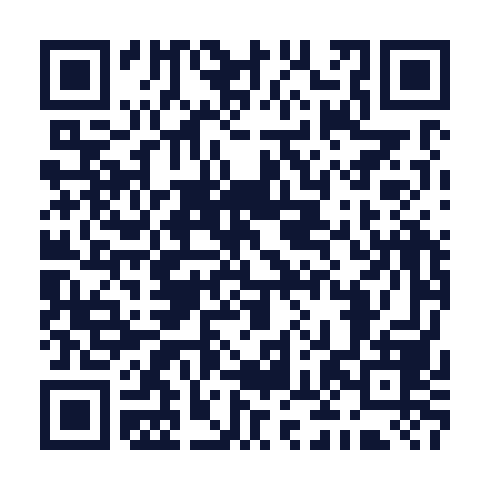
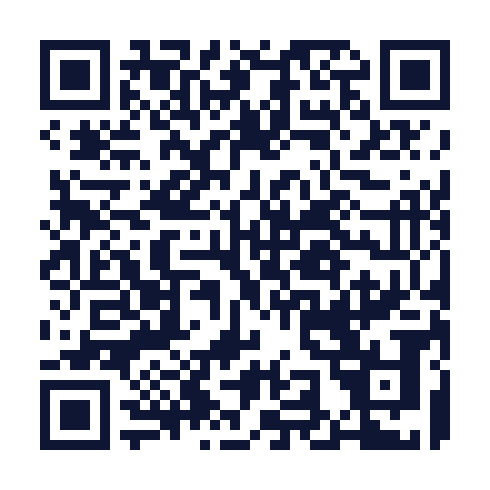
Each QR code opens Relay in the official store. Print them at least 1 inch (2.5 cm) wide and keep the white border around them. Any event

D. Printable quick-start guide

One page for every booth team.

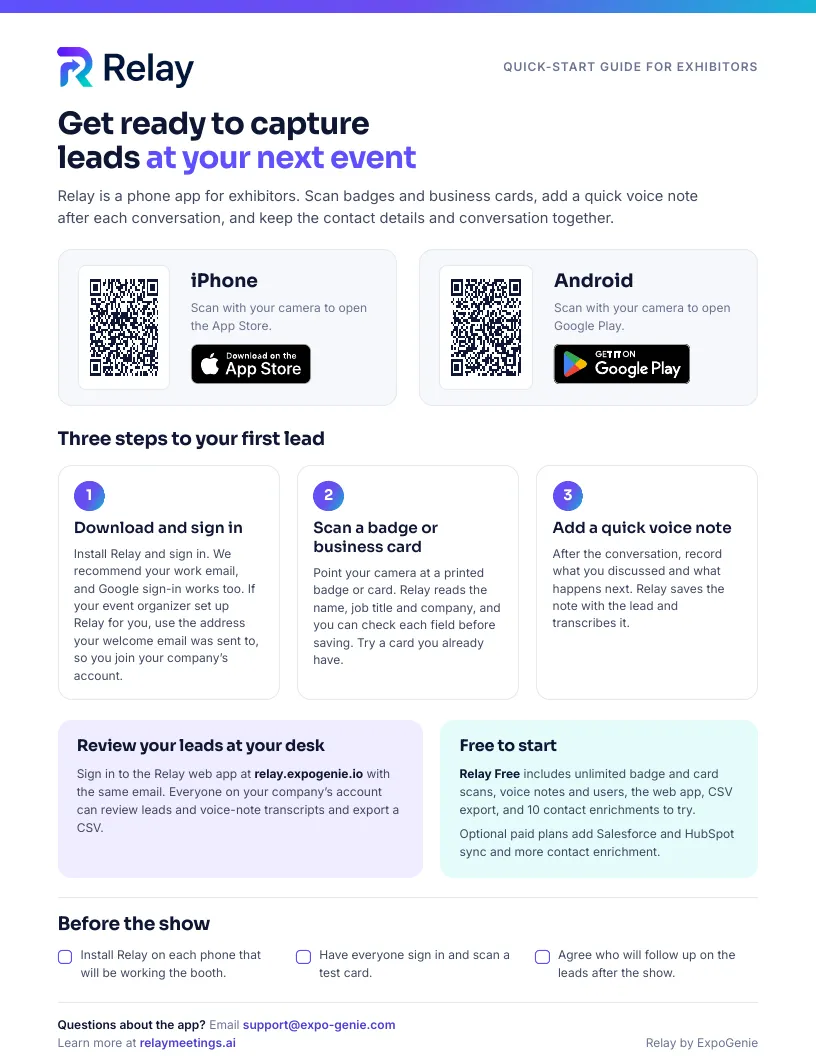
Share it by email or print it for your exhibitor service desk. It has iPhone and Android QR codes, three steps to the first lead, how to review leads in the web app, what’s free, and where to get help. It doesn’t name an event, so you can use it as is. Any event

US Letter, one page. If your organizer set up Relay, the guide tells exhibitors to sign in with the email their welcome email was sent to.

E. Optional: Attendee Match

Tell exhibitors about Attendee Match.

Use this email only when Attendee Match is set up for your event: your registration sheet is connected, the fields are chosen, the price is set and the product is live in your exhibitor portal Shop. Fill in the price, purchase link and fields yourself. It deliberately leaves out your revenue share.

Attendee Match announcement

ExpoGenie setup

Send once Attendee Match is live in your Shop, ahead of the event. Extra placeholders: [Approved Fields], [Attendee Match Price], [Purchase Link], [Last Event Day], [Event Time Zone].

Subject

Add [Event Name] registration details to your Relay leads

Email

Hi,

At [Event Name], you can add Attendee Match to Relay. When your team scans an attendee's badge, Relay looks for that person on our registration list. If the first name, last name and company match exactly, the registration details we've made available ([Approved Fields]) are added to that lead, labeled "Planner list."

What to know:
- You receive these details only for attendees your team scans and successfully matches. You don't receive or download the attendee list.
- Not every scan will match, for example when a name or company is printed differently on the badge. Scans that don't match during the show may be checked again afterward against our updated list.
- Attendee Match applies to the leads you capture at [Event Name]. If you buy partway through the show, attendees your team already scanned are matched too.
- Price: [Attendee Match Price]
- Buy it in the exhibitor portal Shop: [Purchase Link]
- Sales close at 11:59 PM on [Last Event Day], [Event Time Zone].

Questions about the purchase: [Organizer Contact]
Questions about the app: support@expo-genie.com

Thanks,
[Organizer Contact]

F. Launch checklist

Before you announce Relay.

Tick items off as you go. Nothing on this page sends emails or changes your event settings.

Questions about setting up Relay for your event? Book an Organizer Call or read Relay for organizers. Exhibitors already using Relay can log in to the web app.